


IOB Balance Check Number Via Mobile Banking, SMS & ATM
Stay on top of your Indian Overseas Bank (IOB) account balance using your IOB debit card, mobile banking, SMS, or missed call services. This 2026 guide explains all the methods you can use to check your balance quickly and securely.

The Following are the Toll-Free Numbers for Indian Overseas Bank (IOB):
- ✔️Indian Overseas Bank (IOB) Check Number (Toll free):18008904445/18004254445
- ✔️SMS Banking: 8424022122
- ✔️Missed Call: 9210622122
Customers can inquire about their IOB balance online by using the IOB mobile banking app and internet banking services.
Different Ways to Check IOB Balance in 2026
The various ways in which one can check their IOB balance are mentioned below:
Through SMS Banking
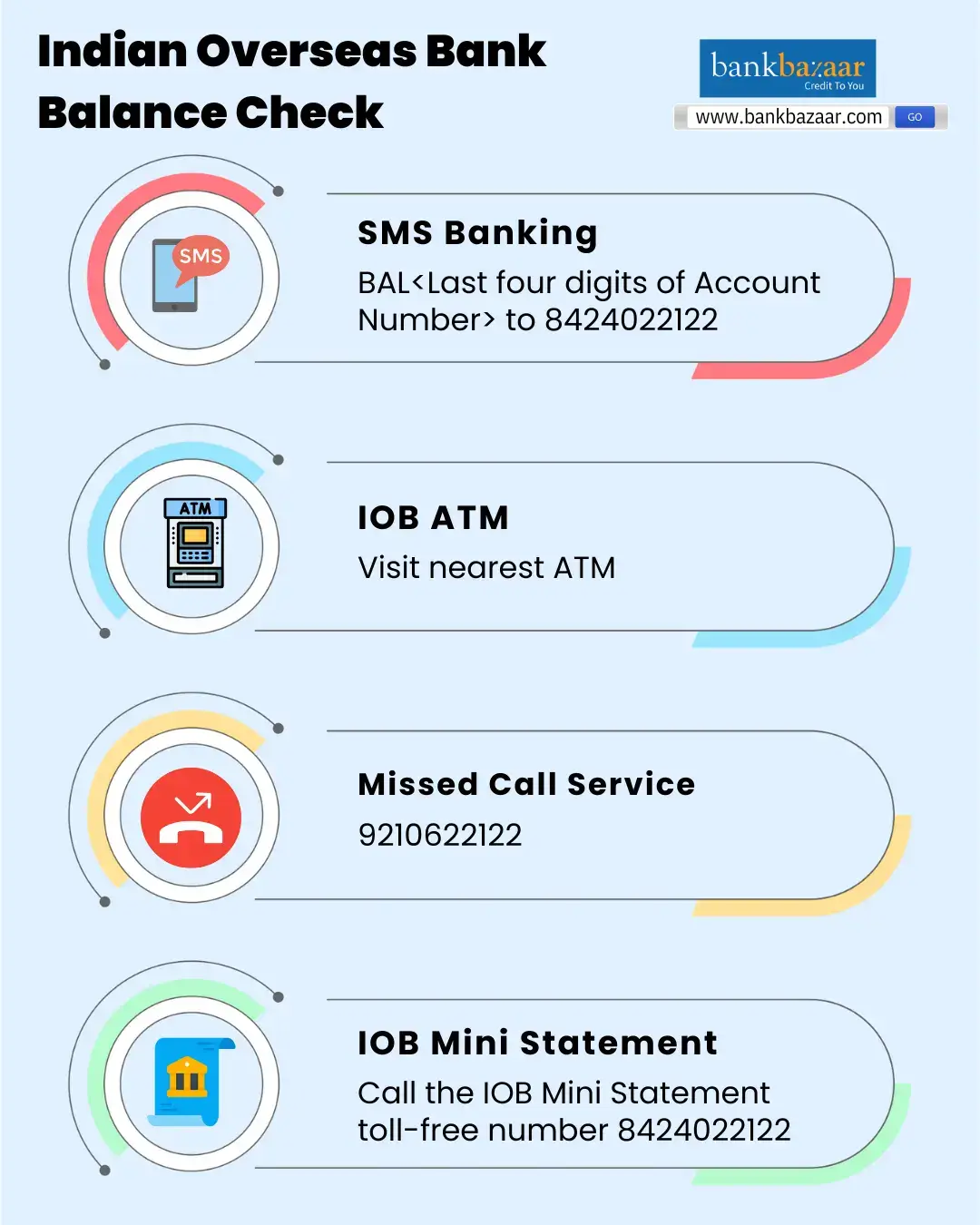
Clients of Indian Overseas Bank can text the IOB Balance enquiry number, 8424022122, to check the balance of their account. The user's registered mobile number must be used to send a message in the format shown below:
✔️ BAL<Last four digits of Account Number>
Through ATM
Use an ATM to check the balance on your Indian Overseas Bank account by following these steps:
- Visit the ATM that is closest to you.
- Enter the 4-digit ATM PIN after swiping your IOB Bank ATM card.
- Choosing "Balance Enquiry" is what you should do from the options on the ATM screen.
- The balance of your Indian Overseas Bank account will show up on the screen.

Through Missed Call
For balance inquiries, Indian Overseas Bank provides a missed call service. Customers of IOB can use their registered mobile number to place a missed call to the Indian Overseas Bank Balance Check number, 9210622122 or 9289222029. A message with the user's account balance will be sent to the registered mobile number shortly.
Through Net Banking
To view their IOB account balance, users of IOB online banking or Internet banking can use their net banking account. The steps to check your IOB balance via IOB Internet Banking are as follows:
- Visit the internet banking portal of Indian Overseas Bank.
- Enter your password and Net Banking user ID to log in.
- Select the 'View Account Details' option after logging in.
- Give "Check Account Balance" a try. Your account's available balance will show up on the screen.
Through mPassbook
You can follow the steps given below to check the bank account balance using the IOB mobile app:
- Download the IOB Mobile Banking app from the Play Store or App Store.
- Log in using your credentials or MPIN.
- Once verified, your dashboard will open.
- Go to section ‘My Account’ and click on ‘View Account Balance’ to see your current balance.
Through Mobile Banking
Every detail of the customer's debit and credit transactions is contained in their IOB m-Passbook. Since it's an electronic passbook, or e-passbook, all of the customer's transaction information is instantly updated here. In order to check their balance, customers can also download the Indian Overseas Bank m-Passbook app and log in with their MPIN.
Through UPI
You can also use any UPI app on your smartphone to check the balance. Here are the steps mentioned below:
- Open any UPI app on your mobile phone.
- Log in using your password or security PIN.
- Link your Indian Overseas Bank account to the app.
- Select the option ‘Check Account Balance’.
- Enter your UPI PIN to view your current balance.
Through USSD Code
In case you do not have internet access to check your Indian Overseas Bank (IOB) balance, then you can use the USSD service by following these steps:
- From your registered mobile number, dial 9952#.
- Select your preferred language.
- Enter the IFSC code of your IOB branch.
- Choose the option to check your account balance or mini statement.
- Follow the on-screen instructions to proceed.
- Your account balance will be sent to your mobile via SMS.


FAQs on IOB Balance Check Number
1. Is it possible for me to check my IOB account balance offline?
Yes, you can use IOB's missed call, USSD or SMS services to check your account balance without needing to access to the internet. You can also check your balance by going to any ATM in the area.
2.How can I use net banking to check my IOB balance?
By entering your user ID and password to access your IOB online banking account, you can utilise net banking to check the amount of your IOB account. To retrieve your account balance after logging in, you need to choose the 'View Account Details' option.
3. Is it possible to check my last 5 transactions made through IOB?
Using IOB ATMs or IOB net banking, you can review your previous five transactions on IOB. Using these services, you can also create a mini-statement to record all of your transactions.
4.Can I check my IOB account balance through any mobile number?
No, you can check your IOB account balance only through your registered mobile number linked to the bank account. For security reasons, the service will not work with any other mobile number.
5.Can I check my IOB account balance through WhatsApp?
Yes. To do so you need to send ‘Hi’ from your registered mobile number to IOB WhatsApp number 8424022122.

Disclaimer
Credit Card:
Credit Score:
Personal Loan:
Home Loan:
Fixed Deposit:


Copyright © 2026 BankBazaar.com.